HPO inter-rater agreement
|
1 Register
To phenotype our fictional patients, you must first register by clicking the Register link on the
left.
In the registration interface, we ask for some information about your background and expertise and will later
use this information for statistical analysis. We will not connect the HPO terms you entered with your
name and all other data will be used only in an aggregated fashion.
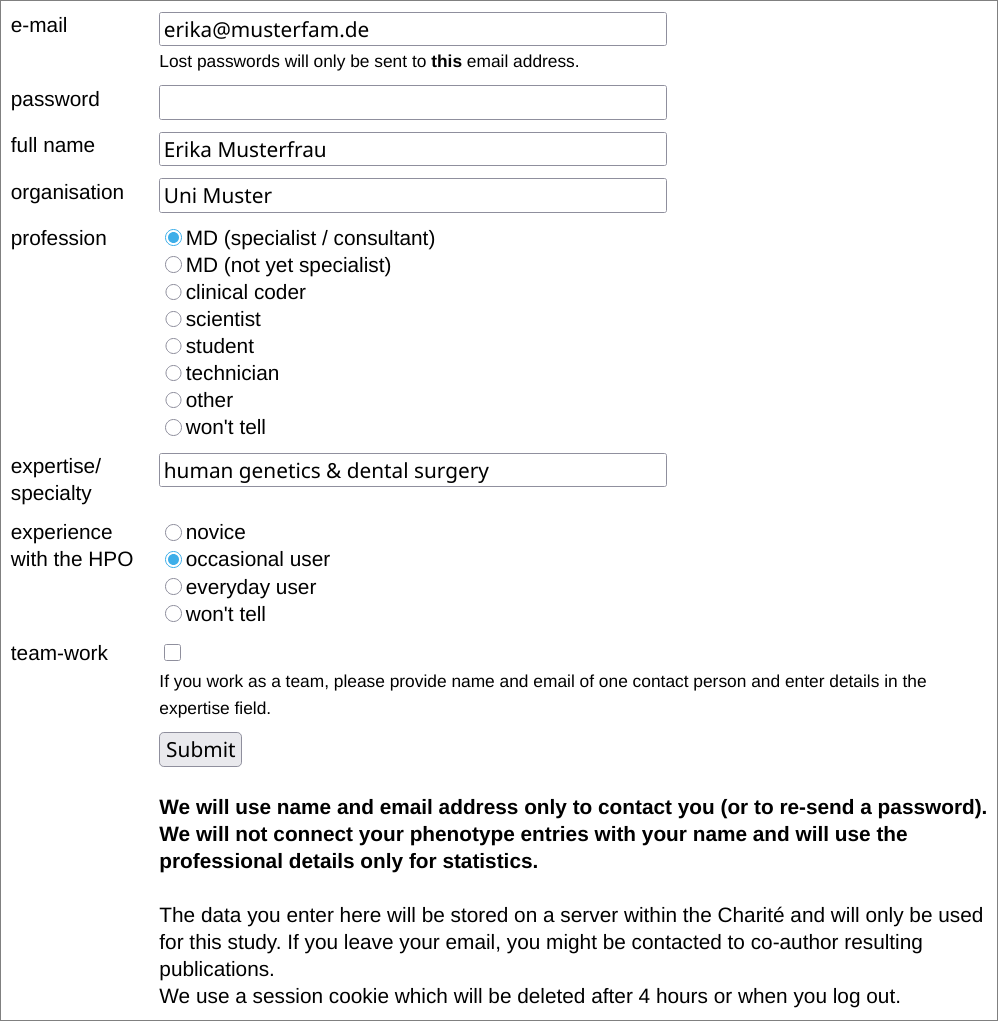
We wonder whether working in a team leads to more comprehensive phenotype profiles - if you work in a team, please choose one 'spokesperson' and enter their name and email address. You can specify details in the expertise free text field.
2 Login
You are automatically logged in after registration. But if you come back, you'll have to log in again, obviously by clicking the Login link.
3 Choose a 'patient'
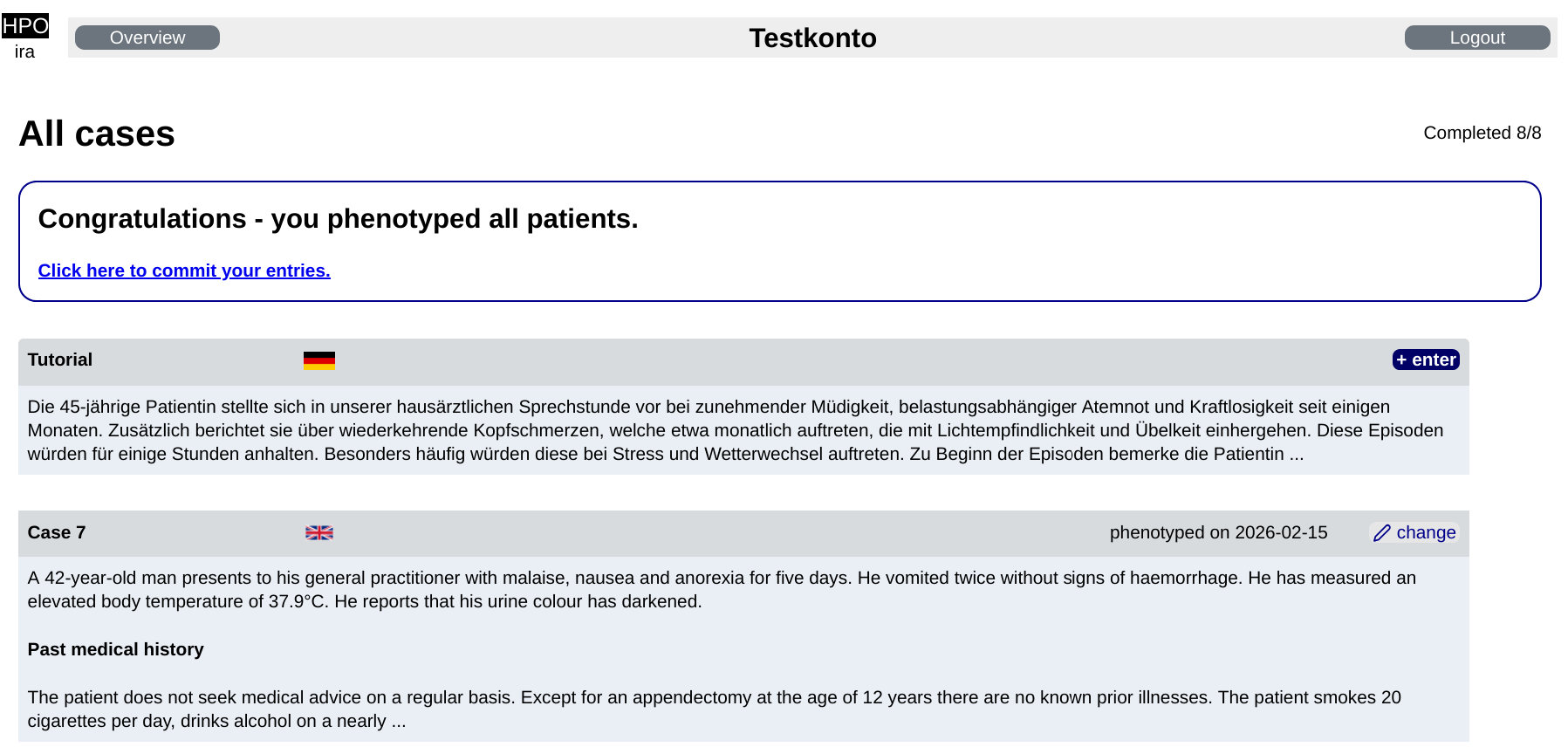
Clicking the Phenotype link will show you the list of our fictional records. We have 8 of them, 5 in German, 3 in English. And a tutorial case - we will cover this in this tutorial. In the top right corner, you see how many patients you phenotyped (the tutorial is not counted).
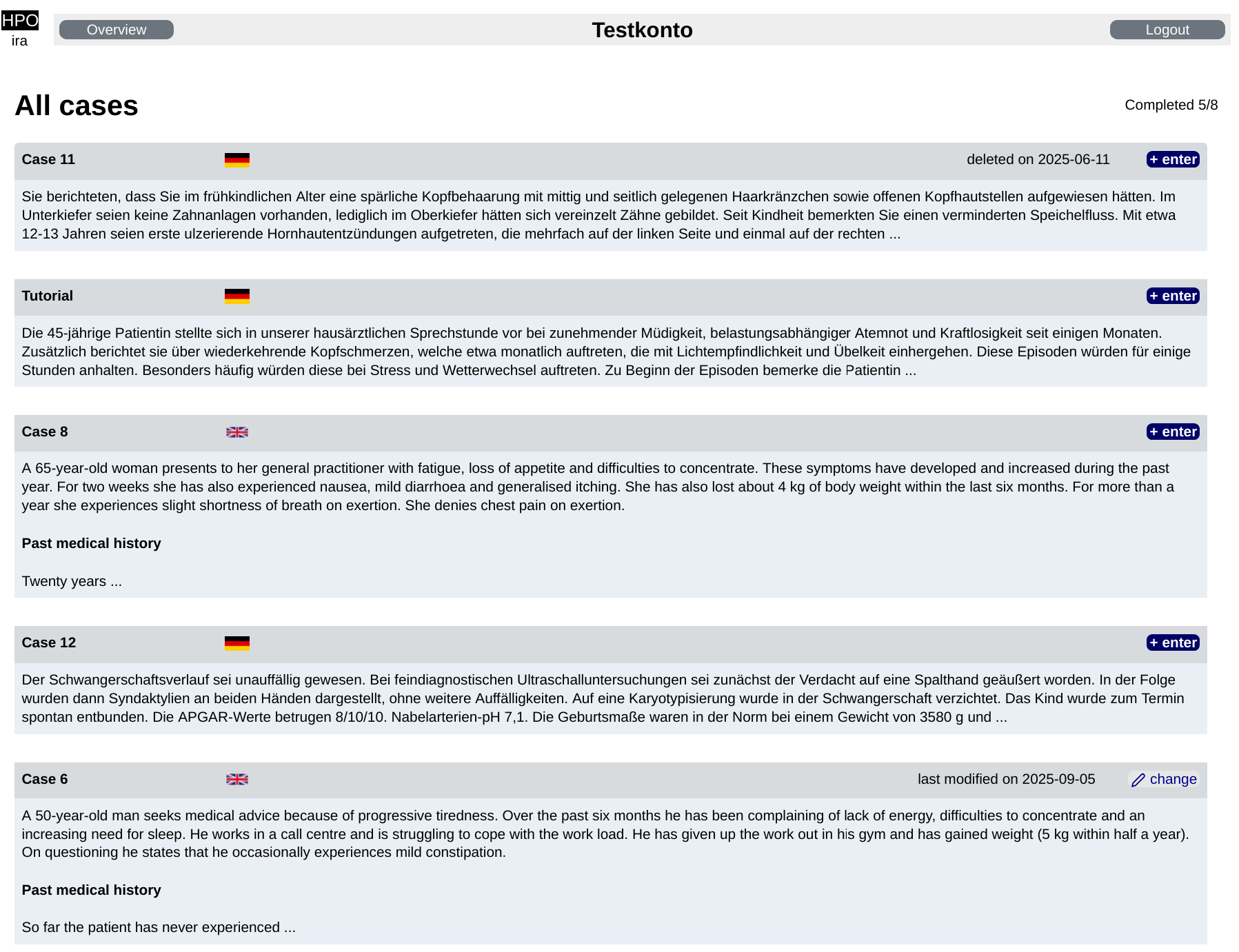
Clicking on enter will bring you to the case and the phenotyping interface. Patients that you already phenotyped show a change button instead. You can save a phenotype profile at any time and resume your work later!
4 Phenotype!
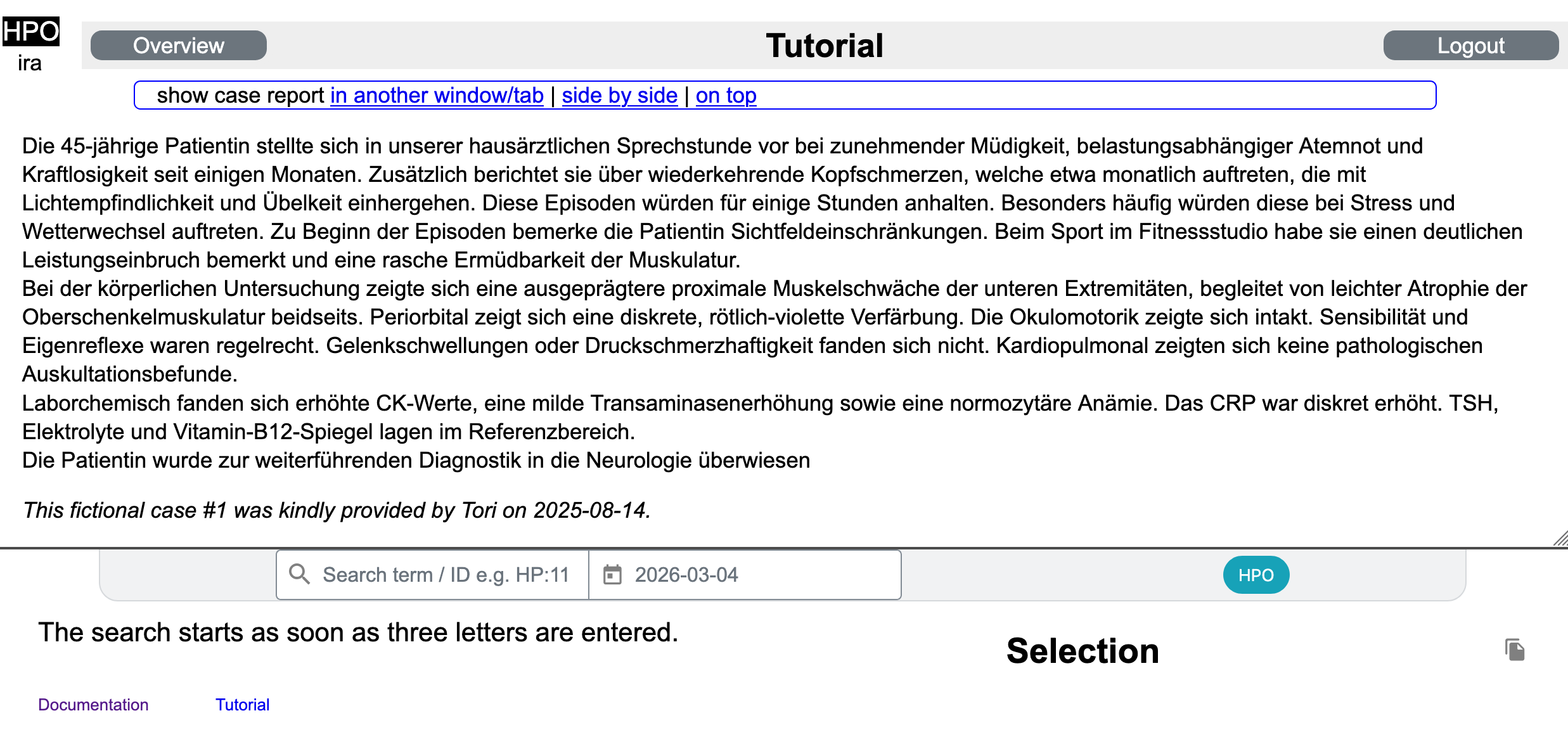
The phenotyping interface looks like this - on top, you'll find the report, below the entry mask (that's SAMS).
By clicking in another window/tab, side by side, or on top you can change the layout so
that the entry mask will be displayed in a separate window or on the right.
Pick the first HPO term
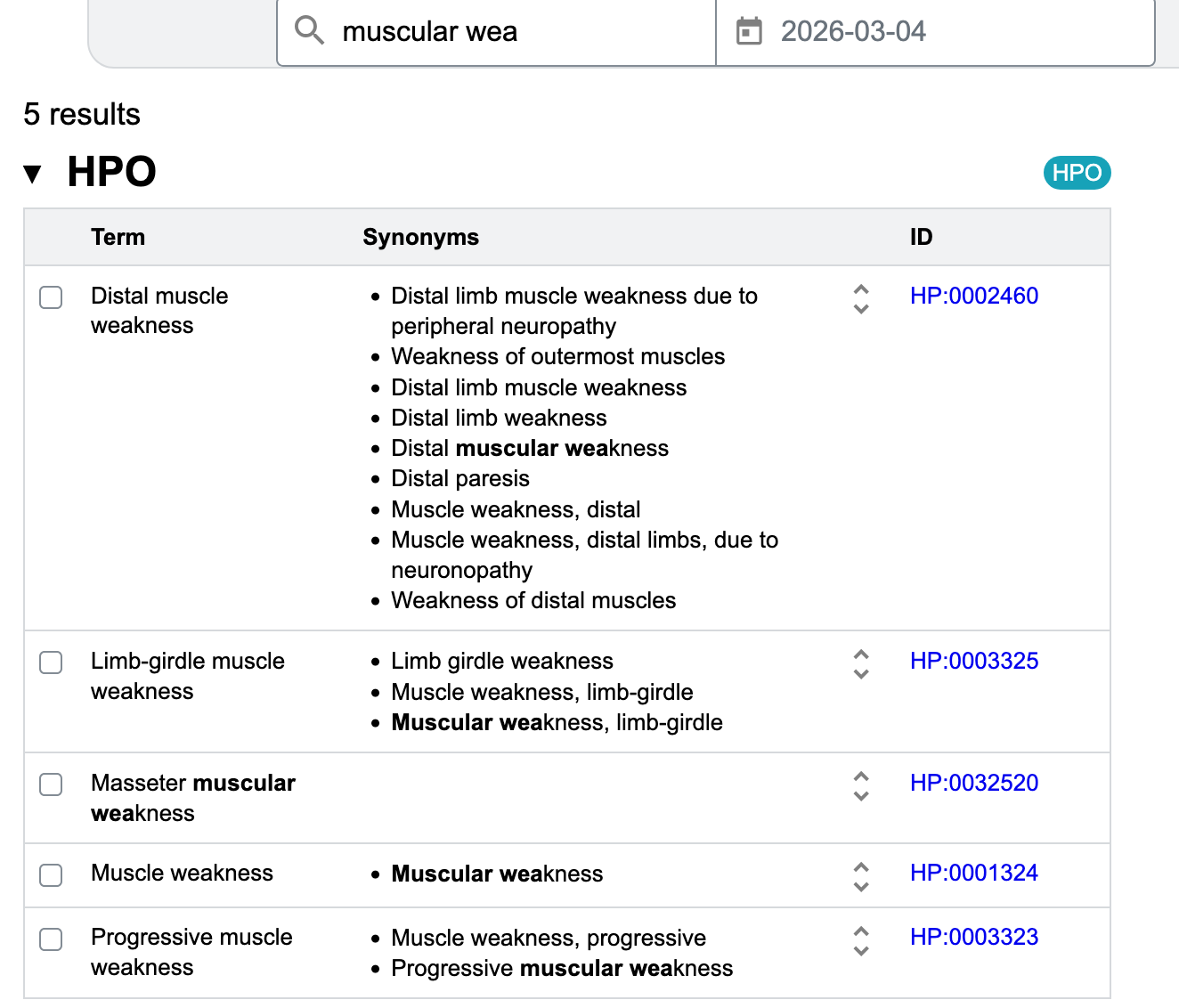
Proximale Muskelschwäche der unteren Extremitäten should be something like Muscular weakness in
the HPO - but you (usually) do not know the exact term.
If you enter some characters in the entry mask, all matching HPO terms (including synonyms) will be displayed.
The term is actually Muscle weakness but Muscular weakness is a synonym.
You can click on the HPO ID on the right to see the exact definition of a term.
Refine your selection
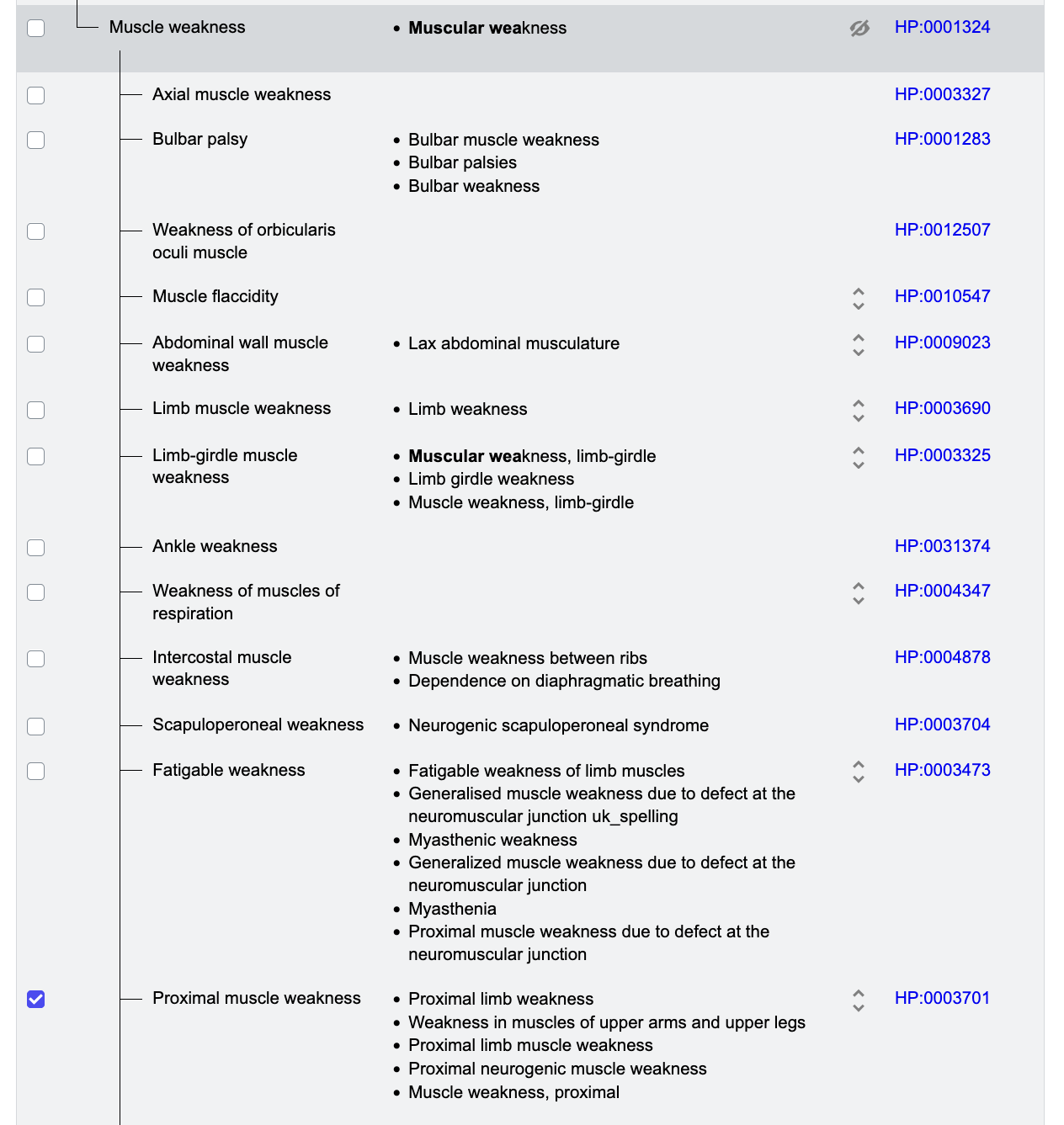
But the HPO might still offer a better-fitting term! You can browse the HPO 'tree' to refine your selection. In this example, click the double arrows on the right of the term Muscle weakness and you'll get a long list of more precise term. We choose Proximal muscle weakness.
Capture excluded signs
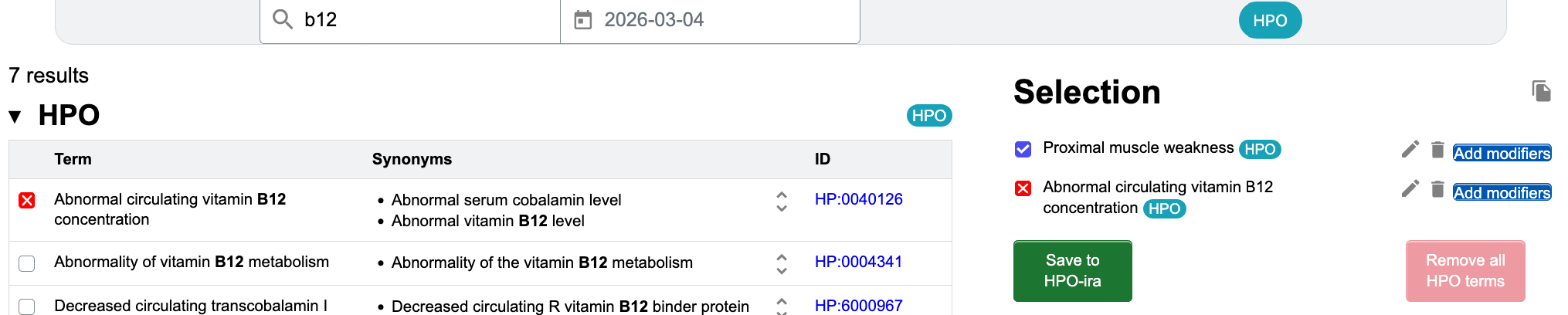
For a differential diagnosis, it is crucial to record which signs a patient does not show, e.g. abnormal vitamin B12 levels. Click on the checkbox a second time to exclude HPO terms - this will be indicated as a red cross. You will see many examples of this in the sample cases with lab values!
Use modifiers to better describe clinical signs
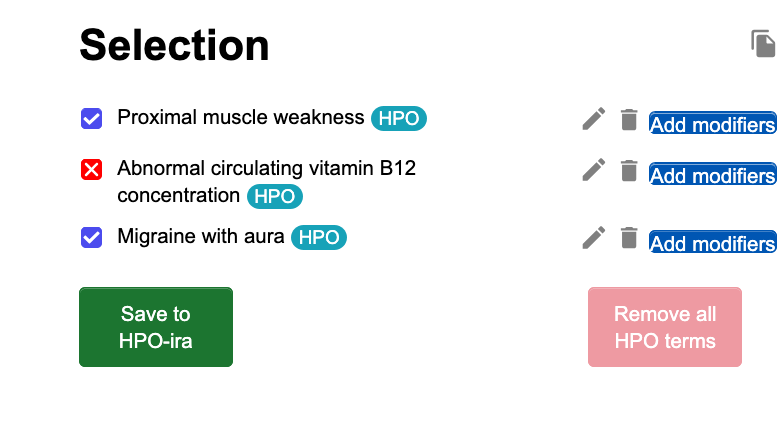
The patient shows Migraine with aura when under distress or if the weather changes. We first select the
Migraine with aura.
On the right, you'll notice a blue 'add modifiers' button. Clicking on it...
Choose modifiers
... loads a list of modifier classes on the left side. As with the 'normal' HPO terms, modifiers can have 'parents' and more specific 'children'. Frequently used modifier classes are shown on the right to facilitate its use. We choose Triggered by.
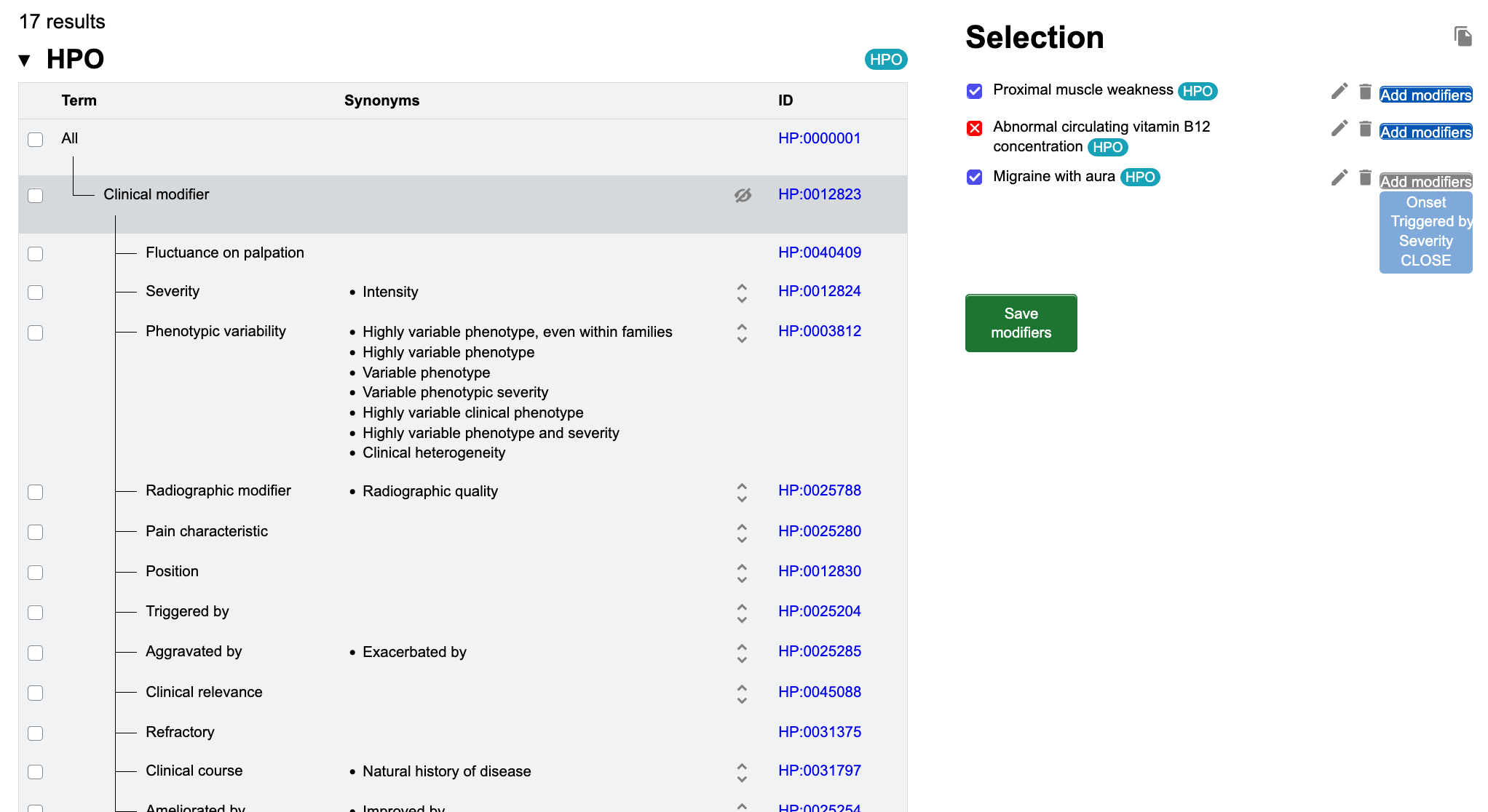
Select modifiers
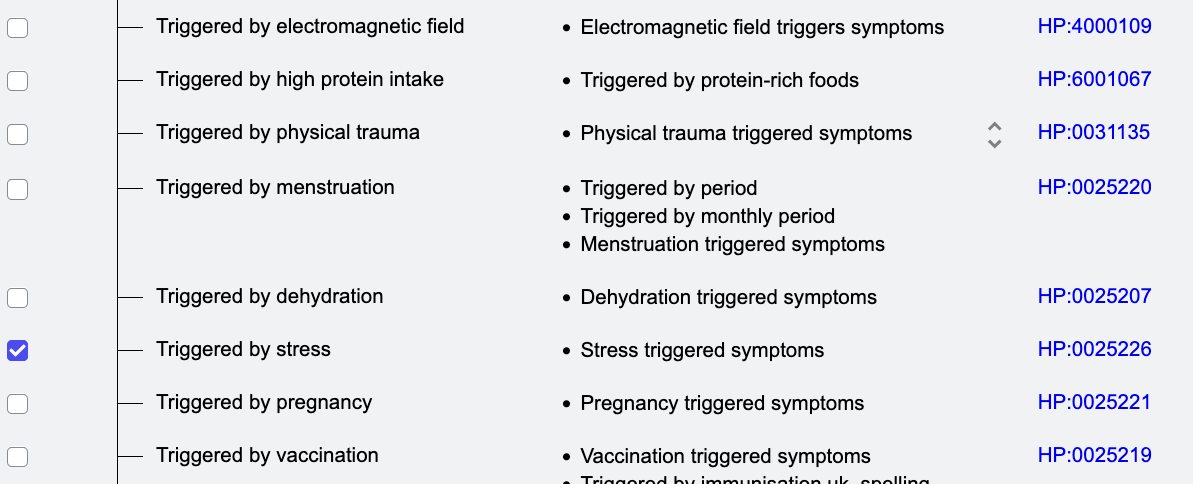
There are no terms describing weather changes as triggers, so we can only choose distress (Triggered by stress).
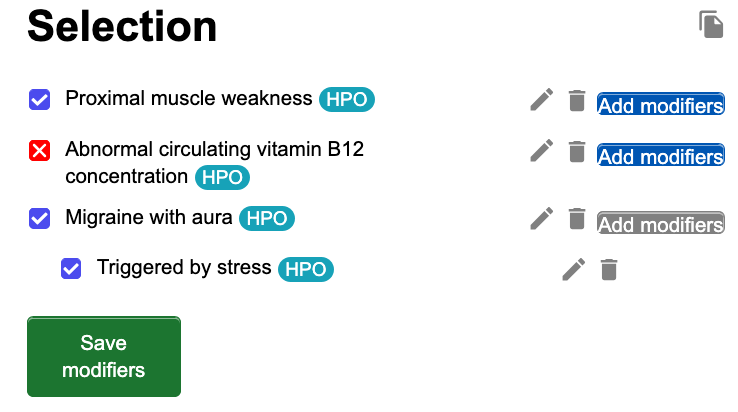
Save modifiers
When you captured all modifiers for an HPO term, click on Save modifiers
Save the phenotype
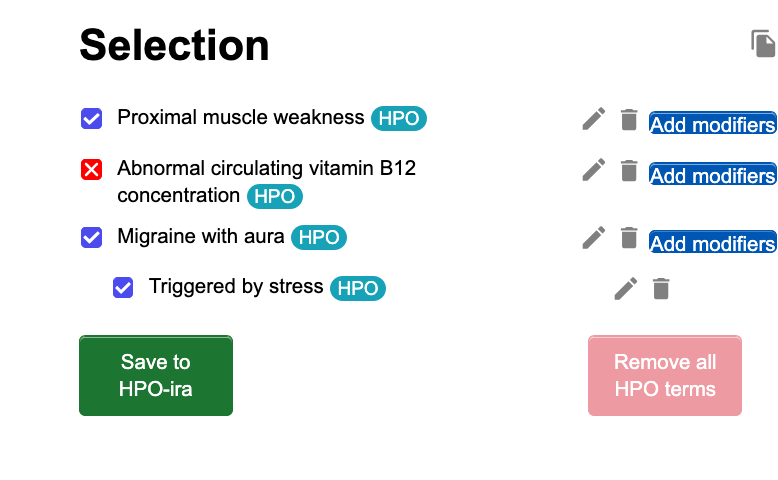
When you have captured the complete phenotype, please click on Save to HPO-ira. You can modify the phenotype later (e.g. if you need a break)...
5 Done!
After entering all 8 patients, you will see a box offering you to submit your entries - after clicking this link, you will not be able to change any entries.